Reframed on the speaker
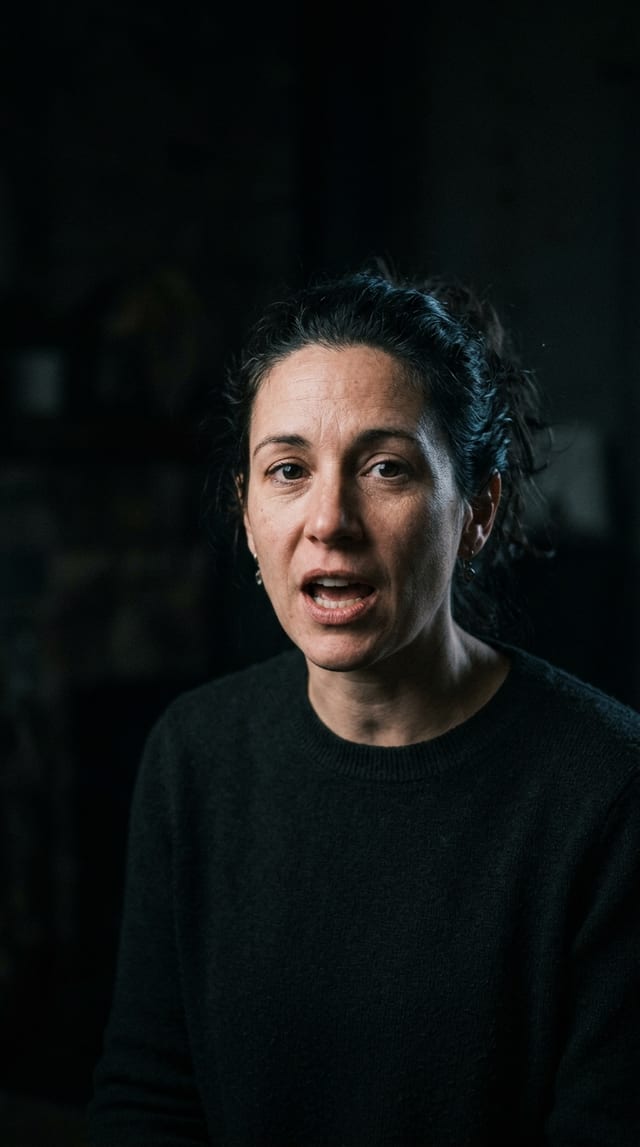
The frame follows whoever is talking and switches when someone else speaks.
Long videos · podcasts · live streams
Paste a long video, or hand over a channel while it streams. ClipHeat turns it into 9:16 clips, subtitled word by word and reframed on whoever is speaking, billed by the minute of video.
Clips ready to publish toTikTok, Instagram and YouTube,and five other networks
A short demo video: a long video analysed, its best moments as 9:16 clips subtitled word by word, with a translated line under each subtitle, a live stream followed, then publishing to TikTok, Instagram Reels and YouTube Shorts, and also LinkedIn, Facebook, X, Threads and Bluesky, now, scheduled or on your recurring slots.The result
Everything is done at generation, and everything can be redone clip by clip at no extra cost.
The frame follows whoever is talking and switches when someone else speaks.
Each word lights up as it is spoken. Correct the text line by line, translate it, or keep both languages.
Right away, scheduled, or on your recurring slots. You pick the thumbnail, and the views come back to ClipHeat.
Passages that stand on their own, about a minute long by default, scored from 1 to 100. On YouTube, the most replayed ones count too.
Logo, banner, font, color grade: saved under a name and applied to every clip.
A Twitch or Kick channel: clips while it streams. A YouTube channel: each of its new videos.
A generated clip isn’t set in stone. Whatever the generation decided, you can rework here, move by move, without leaving the timeline. The editor comes with Creator and Studio.
S splits at the playhead, Delete removes the passage, and the gap closes.
Word by word, fixed in one click, translated under the original.
Translation: Creator and Studio
Logo, banner, color grade, intro and outro — and everything drags straight onto the preview.
Intro, outro, hooks: Creator and Studio
The tracked face, a fixed frame, or split screen — across the whole clip or section by section.
“Apply” renders the clip; it goes out to eight networks, now or in your scheduled slots.
Who it’s for
One long source, clips that stand on their own. Four uses, and what ClipHeat does for each.
A one-hour episode becomes clips that stand on their own. The frame follows the speaker and switches when the other person answers.
Give the channel: clips arrive during the stream. Or paste the replay once the stream is over.
A question and its full answer: the analysis keeps passages that make sense without the rest of the conversation.
A class, a talk, a webinar: the passages that explain themselves. With slides, the “None” mode keeps the whole screen.
People who run channels with ClipHeat.
Pricing
You pay for the minute submitted: not the clip, not the export, not the edit. A video is billed only once, and credits do not roll over from one month to the next.
Yearly billing comes to about 30% less than twelve months. The amounts on the pricing page and in the app are authoritative.
Questions
Another question? The docs cover the rest, and so does the Discord.
By the minute of video submitted. The number of clips produced does not change the amount, and a video is billed only once.
No. Trim points, subtitles, hook, reframing, silence removal, downloads, publishing: everything is included. The free plan stops at three edits per generation.
Seven days, then automatic deletion along with the source files. Each project shows its deadline, in amber within 48 hours.
No. The 30 free monthly credits are granted once your email address is confirmed.
Yes. In the editor, subtitles can be translated into eight languages, instead of the original or bilingual, at no credit cost, in the Creator and Studio plans. Seventeen languages are recognized when transcribing, Arabic and Hebrew included, and detection is automatic.
No. A clip from a live stream keeps the full frame, between two black bars. Reframing on the speaker applies to videos.
12 hours of capture at most per stream, counted from when the channel goes live: started ahead of time, the watch waits for the stream to begin. Each captured segment is billed by the minute of video; the total depends on what the channel streams. Live watching is part of the Studio plan.
30 free credits every month, no card. Enough for one or two whole videos before you decide anything.
How it works
Three steps, with the price in the middle.
Nothing starts before you have seen what it costs.
Paste a link or a channel
A video from YouTube, Twitch, Kick or six other platforms, a file, or a live channel to watch with the Studio plan.
Up to 20 links in one batch, from Creator up
See the cost
ClipHeat reads the duration without downloading anything and shows the price. You pay for the minute of video, however many clips come out.
1:02:00 of video→, that is
Get the clips
An hour of video takes about ten minutes. The clips arrive together once the generation is done: you can close the page.
Kept for 7 days · to download or publish